Best AI Tools
Best AI Meeting Notetakers 2026: Otter, Fireflies & Fathom
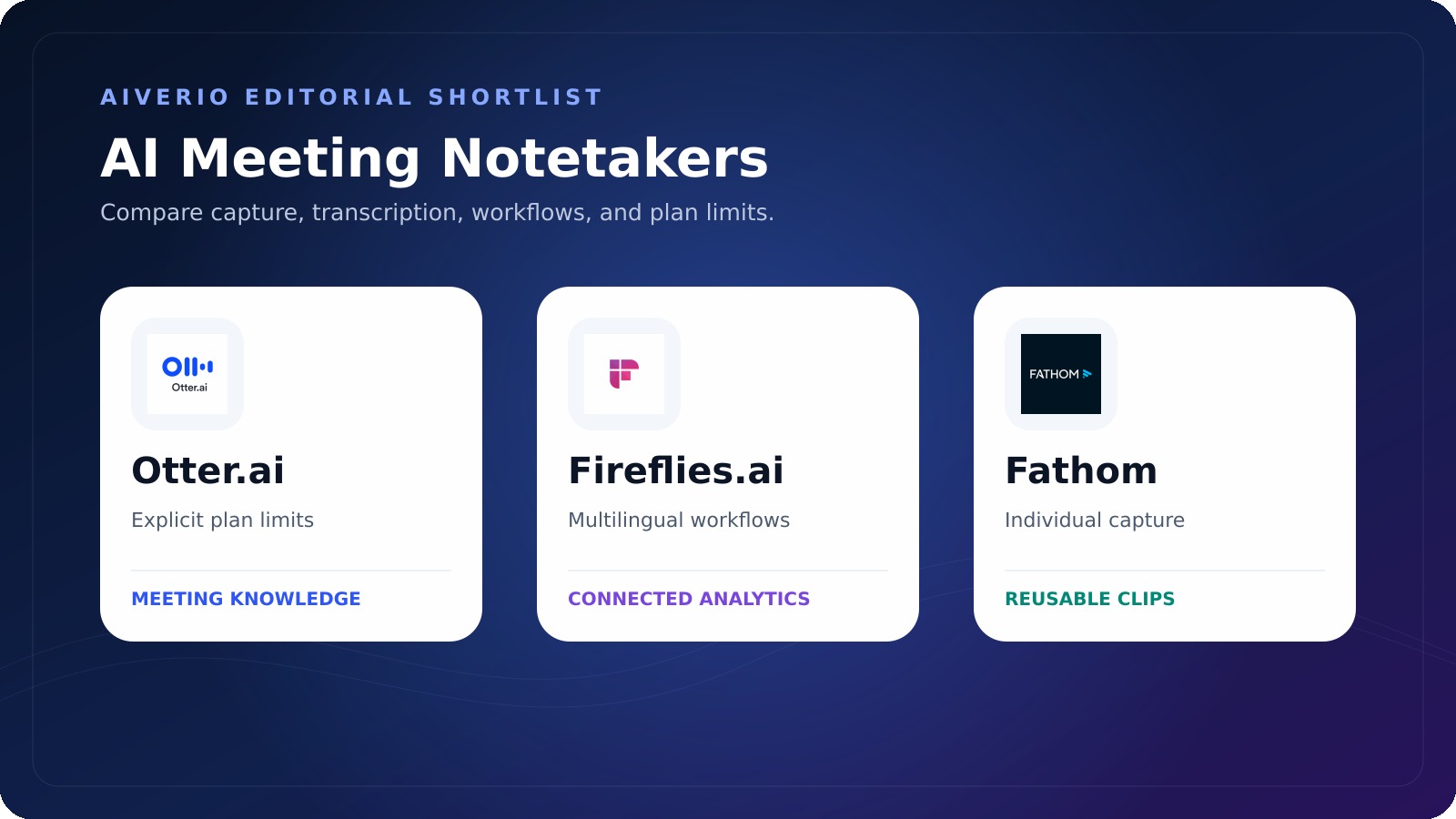
The best AI meeting notetaker depends on the workflow rather than a universal ranking. Otter.ai is the clearest option when explicit transcription allowances, conversation limits, cross-meeting chat, and flexible capture are priorities. Fireflies.ai stands out for more than 100 transcription languages, unlimited transcription across its listed plans, broad capture methods, conversation analytics, and workflow automation. Fathom is compelling for individuals seeking unlimited free recordings and transcription, clips, and a choice between meeting-bot capture and a Mac bot-free beta.
For teams, the decision changes. Otter Business combines unlimited meeting transcription with administration and longer conversations. Fireflies Business adds team analytics, conversation intelligence, groups, and unlimited storage. Fathom Team emphasizes shared search and collaboration, while Fathom Business adds CRM field synchronization, deal views, coaching metrics, and custom summaries.
Aiverio did not run a controlled transcription-accuracy benchmark. This comparison uses official product and pricing pages checked on August 27, 2026. Vendor accuracy claims, testimonials, and usage statistics are not treated as independent evidence.
How we selected the best AI meeting notetakers
The shortlist contains only products represented by the supplied official sources: Otter.ai, Fireflies.ai, and Fathom. Each product was evaluated using the same source-based criteria:
- Capture method: meeting bot, bot-free recording, mobile, desktop, browser, file upload, and supported meeting platforms.
- Transcription limits: monthly allowances, maximum conversation length, storage, history, and imported-file restrictions.
- Summaries and assistance: standard summaries, action items, conversational search, templates, and advanced AI features.
- Search and collaboration: cross-meeting search, shared workspaces, channels, clips, comments, alerts, and team visibility.
- Languages: the number or list confirmed by the official pages.
- Integrations: CRM, project-management, communication, storage, meeting, API, and external AI connections.
- Administration and privacy: identity management, auditability, retention, private storage, and stated compliance options.
- Price: free allowance, monthly rate, annual rate, minimum seats, promotions, and enterprise availability.
Quick comparison
| Tool | Conditional best for | Free transcription | Confirmed languages | Paid starting price | Notable tradeoff |
|---|---|---|---|---|---|
| Otter.ai | Explicit usage limits, cross-meeting chat, and flexible recording | 300 minutes per user monthly | English, Spanish, French, German, Japanese, and Chinese | Pro at $16.99 monthly or $8.33 per user monthly with annual billing | Basic and Pro have monthly and per-conversation limits |
| Fireflies.ai | Multilingual transcription, analytics, and connected workflows | Unlimited transcription; 400 minutes of team storage | More than 100 languages | Pro at $18 monthly or $10 per seat monthly with annual billing | Storage, analytics, AI-credit balances, and collaboration vary by plan |
| Fathom | Unlimited free individual capture and reusable clips | Unlimited recordings and transcription | Exact language count was not confirmed in these packets | Premium at $20 monthly or $16 per user monthly with annual billing | Bot-free capture is identified as a Mac beta, and advanced search depends on plan |
Otter.ai: best for explicit limits and cross-meeting knowledge
Otter can automatically join Zoom, Microsoft Teams, and Google Meet, record directly through its Mac or Windows desktop application without a meeting bot, capture through Chrome, or record through mobile. It also supports automatic syncing from Zoom cloud recordings and Dropbox uploads.
Its official pricing table is unusually specific about allowances. Basic provides 300 meeting and recording transcription minutes per user each month with no rollover, a 30-minute maximum per conversation, three lifetime file imports, and access to the 25 most recent conversations. Pro increases the monthly allowance to 1,200 minutes, raises the conversation maximum to 90 minutes, permits ten file imports monthly, and provides unlimited history and storage.
Business and Enterprise list unlimited meeting and in-app recording transcription with conversations up to four hours. Imported files remain subject to 6,000 transcription minutes per user monthly even though the number of imported files is listed as unlimited. Business can join three concurrent meetings and provides activity logs, usage analytics, and other administration.
Otter creates summaries containing action items and outlines. AI Chat works within and across meetings, while Channels organize conversations by team, project, or topic. The product page also says AI Chat can use authorized information from connected applications.
Its integration list includes Slack, Zoom, Salesforce, HubSpot, Google Drive, Google Docs, Dropbox, Google Calendar, Google Meet, Jira, Notion, Glean, Asana, Claude, and Zapier. Enterprise adds custom CRM or dialer integrations, API and webhooks, SSO, SCIM, Domain Capture, and a HIPAA compliance add-on.
Choose Otter when
- You want clearly published monthly and per-conversation limits.
- You need bot and bot-free capture on desktop, Chrome, or mobile.
- Cross-meeting AI Chat and searchable Channels are central to the workflow.
- Your organization needs graduated administration from Business to Enterprise.
Consider another option when
- You need more than six officially listed transcription languages.
- Your free usage regularly exceeds 300 monthly minutes or 30 minutes per conversation.
- You import large volumes of prerecorded audio or video and need simpler allowances.
Fireflies.ai: best for languages, analytics, and automation
Fireflies provides the broadest confirmed language coverage in this comparison, listing transcription in more than 100 languages. It can capture through the Fred meeting bot, a Chrome extension that records Google Meet without adding the bot, mobile and desktop applications, supported dialers, an API, or uploaded MP3, MP4, WAV, and M4A files.
All listed Fireflies plans include unlimited transcription and unlimited standard AI summaries. The Free plan provides 400 minutes of storage per team, while Pro provides 8,000 minutes per seat. Business and Enterprise list unlimited storage. Recording-duration limits still apply by tier, so unlimited transcription should not be interpreted as unlimited storage or unrestricted meeting length.
Fireflies produces summaries, action items, customized notes, timestamped transcripts, and searchable meeting history. AskFred answers questions about meetings, while Live Assist provides real-time answers, coaching, or suggestions. Free access to AskFred is listed as limited. Fireflies also offers more than 200 AI Skills for extracting details, generating follow-ups, and applying specialized meeting workflows.
The pricing page shows starting AI-credit balances of 20 for Free, 20 for Pro, 30 for Business, and 50 for Enterprise. The supplied comparison packet does not fully explain the charging rules, so buyers should verify which advanced features consume credits instead of assuming every AI Skill is unlimited.
Business adds multi-language mode, conversation intelligence, administrator team analytics, public meeting access, and user groups. Analytics include speaker talk time, topics, questions, sentiment, and trackers. Channels, comments, bookmarks, and soundbites support collaboration.
Fireflies describes connections across CRM, project-management, applicant-tracking, communication, and AI tools. Pro lists unlimited integrations. The official site identifies more than five CRM connections, more than nine project-management connections, applicant-tracking integrations such as Greenhouse and Lever, Slack, and an MCP server for tools including ChatGPT and Claude.
Choose Fireflies when
- You need the widest officially confirmed language range among these three products.
- Unlimited transcription is important but you can manage plan-specific storage and recording limits.
- Conversation intelligence, administrator analytics, topic tracking, or user groups matter.
- You need multiple capture routes, including dialers, API, uploads, mobile, desktop, and bot-free Google Meet capture through Chrome.
Consider another option when
- You want advanced AI usage included under one simple allowance.
- You prefer an individual free plan with unlimited storage.
- You do not want to monitor separate storage, collaboration, analytics, and AI-credit entitlements.
Fathom: best for free individual capture and clips
Fathom’s individual Free plan includes unlimited recordings and transcription, instant summaries, clips, playlists, and search. It supports Zoom, Google Meet, and Microsoft Teams. Users can choose a meeting bot or bot-free capture, although the pricing page identifies bot-free capture as a beta feature for Mac.
Premium adds advanced summaries, AI-generated action items, a conversational meeting assistant, and bot customization. Fathom also provides Ask Fathom for questioning a single meeting and an account-wide Ask Fathom experience described as beta. Paid plans have unlimited lookback across the user’s own calls, while team-call lookback varies by tier.
Fathom emphasizes reusable meeting moments. Users can download calls and create unlimited clips, then organize highlights into playlists. Team adds global search, shared playlists, folders, comments, keyword alerts, and other collaboration features. Business adds CRM field sync, Deal View, coaching metrics, AI scorecards, and advanced or custom call summaries.
Its official pages list integrations with Slack, Salesforce, HubSpot, Notion, Asana, Zapier, Make, ChatGPT, and Claude, plus a public API and MCP. Individual CRM synchronization with HubSpot, Salesforce, and Close is limited to three users per email domain. Business provides deeper field-level CRM updates.
Enterprise adds organization-wide security controls, SSO, SCIM provisioning, custom retention programs, onboarding, and dedicated support. Fathom’s public site states SOC 2 Type II, GDPR, and HIPAA compliance, while its pricing page specifically lists a signed HIPAA business associate agreement under Enterprise. Eligibility and contractual requirements should be confirmed directly.
Choose Fathom when
- You want unlimited free individual recordings and transcription.
- Clips and playlists are central to reusing meeting highlights.
- You want a choice between bot capture and the currently available Mac bot-free beta.
- Your team values shared search, customer or deal views, and CRM-centered collaboration.
Consider another option when
- You need confirmed bot-free support outside the stated Mac beta.
- You require a clearly documented language count from the supplied pricing pages.
- You need unlimited organization-wide search without verifying plan-specific team-call lookback.
Pricing comparison
Prices were checked on August 27, 2026. Annual prices are shown per user or seat per month but require annual billing. Promotions and regional conditions should be checked at checkout.
| Tool | Free | Individual or small-team paid plan | Team plan | Enterprise |
|---|---|---|---|---|
| Otter.ai | Basic: free forever | Pro: $16.99 monthly or $8.33 with annual billing | Business: pricing page displayed $30 and a promotional $24 monthly; $19.99 with annual billing | Schedule a demo |
| Fireflies.ai | Free forever | Pro: $18 monthly or $10 with annual billing | Business: $29 monthly or $19 with annual billing | $39 per seat monthly, billed annually only |
| Fathom | Individual Free: $0 | Premium: $20 monthly or $16 with annual billing | Team: $19 monthly or $15 annually; Business: $34 monthly or $25 annually; both require at least two users | Talk to sales |
Language and transcription limits
Otter confirms English, Spanish, French, German, Japanese, and Chinese. Its free and Pro plans use monthly minute allowances with no rollover, while Business and Enterprise list unlimited meeting transcription but retain imported-file limits.
Fireflies confirms more than 100 languages and lists unlimited transcription on every plan. Storage begins at 400 minutes per team on Free and 8,000 minutes per seat on Pro, with unlimited storage on Business and Enterprise.
Fathom lists unlimited recordings and transcription on Free and paid plans. The exact number of languages was not included in the supplied Fathom packets, so it cannot be compared numerically here.
Privacy and administration
Meeting recordings can contain personal, confidential, commercial, or regulated information. Recording consent, access control, retention, and downstream integration permissions should be reviewed before deployment.
- Otter: Business includes activity logs and usage analytics. Enterprise adds SSO, SCIM, Domain Capture, enterprise controls, and a HIPAA compliance add-on.
- Fireflies: The official site lists SOC 2 Type II and GDPR compliance. Enterprise includes SSO, SCIM, API audit logs, private storage, custom retention, transcript-and-summary-only mode, and HIPAA compliance.
- Fathom: The official site states SOC 2 Type II, GDPR, and HIPAA compliance. Enterprise adds SSO, SCIM, custom retention, organization-wide controls, and a signed HIPAA business associate agreement.
These statements come from vendor pages, not an independent compliance audit by Aiverio. Confirm the applicable plan, contract, geographic requirements, and configuration with the provider.
How to choose
- List every capture environment. Include video platforms, in-person meetings, mobile use, desktop recording, dialers, and file imports.
- Calculate real monthly volume. Count meeting minutes, maximum call length, uploaded files, storage, history, and concurrent meetings.
- Confirm language needs. Verify every required language directly instead of relying only on a total count.
- Map the follow-up workflow. Identify where summaries, action items, CRM fields, clips, and alerts must go.
- Separate individual from team needs. Shared search, analytics, retention, identity management, and administration can change the appropriate plan.
- Review advanced AI limits. Check templates, assistant queries, search lookback, credits, and beta labels.
- Run a controlled internal pilot. Use the same consented, non-sensitive sample meetings with each shortlisted tool. Compare transcript corrections, summary omissions, action-item accuracy, search usefulness, administration, and total cost.
Fathom AI Alternatives and Competitors
Searches for Fathom AI alternatives often come from a specific requirement: more language support, broader integrations, different capture methods, CRM automation, analytics, or a different pricing model. The right comparison depends on the workflow after the meeting, not only the transcript itself.
| Need | Tools to compare |
|---|---|
| Meeting notes and search | Fathom, Fireflies.ai, Otter.ai |
| Broad automation | Fireflies.ai with CRM/project/API workflows |
| CRM-oriented revenue workflows | Fathom team plans and Fireflies business workflows |
| Cross-platform comparison | Use the same meetings and compare correction effort, search, integrations and cost |
For a direct test, read Fathom vs Fireflies and Otter.ai vs Fireflies.ai, then review the individual Fathom, Fireflies.ai, and Otter.ai profiles.
Final recommendations
Choose Otter.ai when transparent minute and conversation limits, cross-meeting chat, and flexible bot or bot-free capture matter most. Choose Fireflies.ai when broad language support, multiple capture routes, analytics, and workflow automation are the priority. Choose Fathom when unlimited free individual recording and transcription, clips, and an upgrade path into shared team search are more valuable.
None is the universal best AI meeting notetaker. The correct choice depends on the meetings being captured, the languages involved, the required integrations, the sensitivity of the data, and the actual annual cost. Aiverio did not perform a controlled accuracy test and does not assign a winner or editor score in this source-based comparison.
Related Aiverio reviews and guides
- Fathom vs Fireflies.ai: Which AI Meeting Notetaker Should You Choose?
- Otter.ai vs Fireflies.ai: Which AI Meeting Notetaker Fits Your Team?
- Best AI Assistants in 2026: 5 Strong Options for Different Workflows
- Jasper Review: Marketing AI, Brand Control, Pricing & Alternatives (2026)
- 10 Best AI Automation Platforms for Real Business Workflows in 2026