
AI Marketing
Copy.ai Review 2026: GTM AI, Pricing, Workflows, Pros & Cons
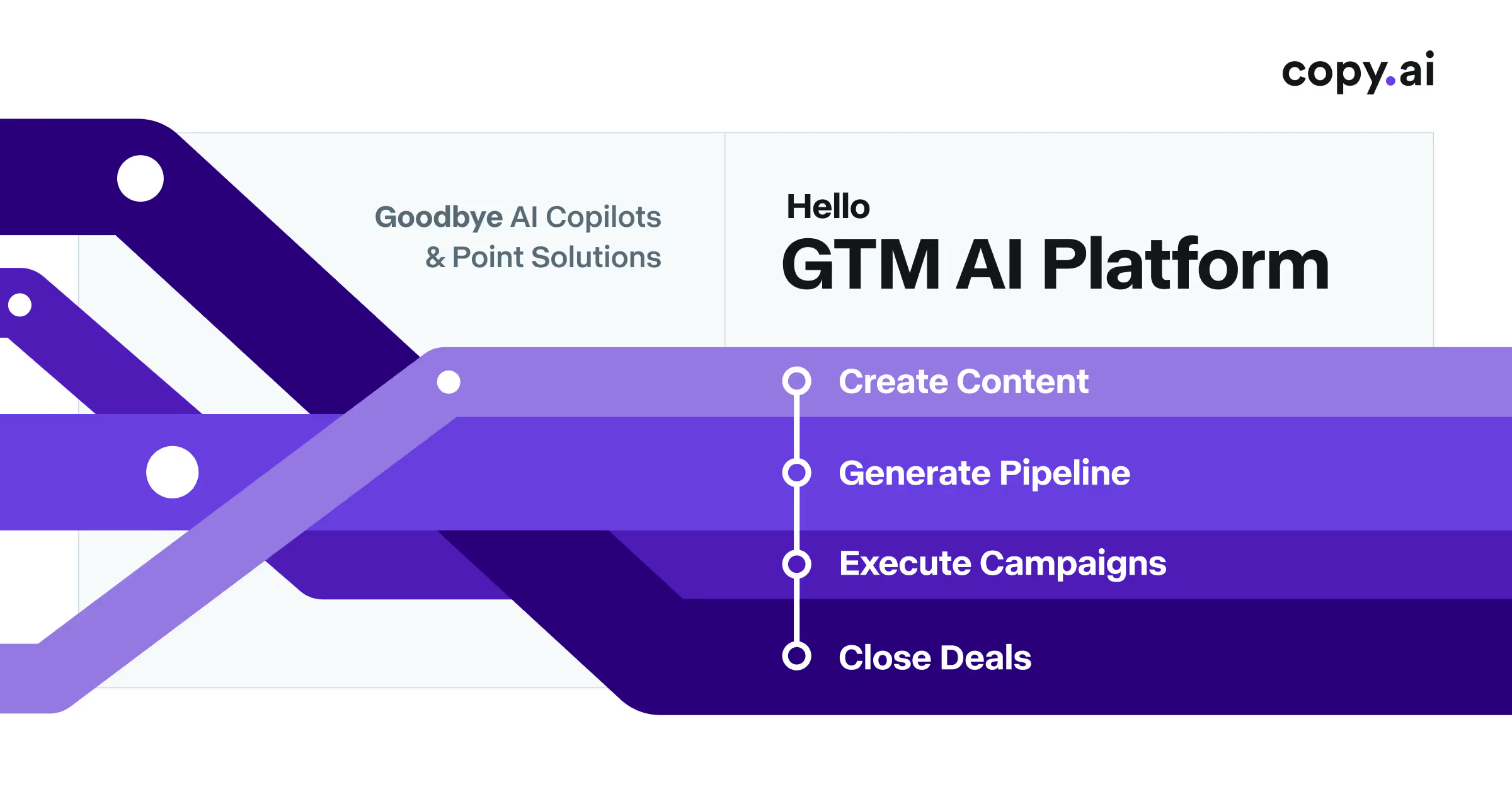
Copy.ai has moved well beyond its original identity as an AI copywriting tool. In 2026, it positions itself as a go-to-market AI platform for sales, marketing, and operations teams that want to automate repeatable workflows while still using AI for content, research, outreach, and account work. See the Copy.ai tool profile for a concise feature and plan overview.
That shift matters: Copy.ai is now less about generating a single blog post or ad and more about building repeatable systems that connect AI actions to business processes.
What is Copy.ai?
Copy.ai is a GTM AI platform that combines chat, content generation, workflow automation, templates, model access, and integrations. Teams can use it for tasks such as account research, personalized outreach, lead processing, content production, deal support, and other sales-and-marketing workflows.
Key Copy.ai features in 2026
- AI Chat: generate and refine marketing, sales, and business content.
- Workflow Builder: create multi-step AI workflows that connect inputs, model actions, and outputs.
- Prebuilt workflows: templates for prospecting, content creation, lead processing, and deal coaching.
- Model flexibility: use different language models depending on the workflow.
- GTM automation: automate repetitive sales and marketing processes rather than only writing copy.
- Integrations: connect workflows with CRM, marketing automation, and other business systems.
- Multi-language content: useful for international marketing and sales teams.
- Enterprise controls: higher tiers add security, implementation support, custom workflows, and broader governance.
Copy.ai pricing in 2026
Copy.ai’s current pricing separates team chat from workflow-heavy go-to-market automation. The official pricing page currently lists these plan levels:
| Plan | Listed price | Seats and included usage |
|---|---|---|
| Chat | $29/month, or $24/month billed annually ($288/year) | 5 seats, unlimited words in Chat, unlimited Chat projects, and access to OpenAI, Anthropic, and Gemini models |
| Growth | $1,000/month billed annually | 75 seats and 20,000 workflow credits per month |
| Expansion | $2,000/month billed annually | 150 seats and 45,000 workflow credits per month |
| Scale | $3,000/month billed annually | 200 seats and 75,000 workflow credits per month |
| Enterprise | Custom | Custom workflows, API and bulk runs, integrations, guided implementation, and dedicated support |
Workflow credits are not a flat per-run price: complex workflows and longer outputs can consume more usage. Test a representative workflow, inspect the credits used, and estimate cost per accepted business outcome. Some official entry points refer to a free starting option, so confirm current availability and terms directly on Copy.ai’s official pricing page before purchasing.
Copy.ai pros
- Stronger automation focus than many pure AI writing tools.
- Useful for teams that want sales and marketing workflows in one platform.
- Prebuilt workflows reduce setup time for common GTM tasks.
- Supports content generation, research, outreach, and operational automation.
- Some product entry points refer to a free starting option, but availability and limits should be verified before sign-up.
Copy.ai cons
- Advanced pricing is expensive for small teams that only need basic writing.
- Workflow credits can make spend harder to predict at high volume.
- Complex workflows still require planning, QA, and integration work.
- Teams that only need article drafting may get better value from a simpler AI writer.
Who should use Copy.ai?
Copy.ai makes the most sense for sales and marketing teams that want to automate repeatable GTM processes. It is particularly attractive when your workflow includes account research, outbound personalization, content operations, lead processing, or repetitive handoffs between marketing and sales.
If your main need is broader marketing content and SEO rather than GTM automation, compare Copy.ai with other options in our best AI marketing tools guide.
Copy.ai vs traditional AI writers
The practical distinction is workflow depth. A traditional AI writer is usually optimized for a brief, a draft and an editing pass. Copy.ai is designed to connect research, generation, enrichment, routing and repeatable go-to-market actions. That can make it useful when the same process runs every week, but the added flexibility also means more decisions around inputs, permissions, QA and credit consumption.
Before standardizing on Copy.ai, compare the actual process with the tools you already use. A marketing team may need only a content editor, while a sales team may benefit from CRM-connected workflow automation. Our best AI marketing tools guide covers the wider category, while AI automation pricing helps estimate workflow economics.
What to measure in a pilot
- Accepted outputs per workflow run
- Human correction time
- Credit or usage consumption
- Integration failures and retries
- Cost per completed GTM outcome
Traditional AI writing tools typically focus on a prompt and an output. Copy.ai’s newer direction is more process-oriented: the goal is to chain AI steps together so a repeatable business task can run with less manual intervention. That makes it more powerful for operations-heavy teams, but also more complex than a simple writing assistant.
How to test Copy.ai before scaling it
- Pick one repeatable GTM workflow such as account research, lead qualification or content repurposing.
- Define the input, expected output and a human QA checkpoint before automating the entire process.
- Run the workflow several times and measure useful outputs, failed runs and credit consumption rather than judging a single successful example.
- Check how CRM or marketing-system data enters and leaves the workflow, including permissions and ownership.
- Estimate the monthly cost using realistic workflow volume, then compare it with the manual time you expect to save.
For a clearer view of usage economics, see our AI automation pricing guide. If the workflow will run with limited supervision, use the AI automation monitoring checklist to plan alerts, error handling and review points before production.
Verdict
Copy.ai is most compelling in 2026 as a GTM automation platform rather than a standalone copy generator. Starter can work for lighter individual use, but the platform’s real differentiation appears in Advanced and Enterprise workflows where teams automate repeatable sales and marketing processes. Buyers should evaluate the workflow-credit model against their expected usage before scaling.
Copy.ai buying guide: who gets the most value?
Copy.ai is most relevant when the goal is repeatable go-to-market work rather than one-off text generation. Before paying, map one workflow from input to finished outcome and identify where human review is still required.
- Content teams: compare writing quality, editing time, brand controls, and how much of the workflow is actually automated.
- Sales teams: test account research, personalization, lead handling, and CRM handoffs using real records.
- Operations teams: focus on workflow reliability, permissions, retries, and the cost of repeated runs.
- Small businesses: start with the smallest plan that supports the workflow you will actually run, then compare total monthly cost with simpler AI writing tools.
For broader alternatives and category context, see our best AI marketing tools guide and AI automation pricing guide. If a workflow becomes business-critical, also use the AI automation monitoring checklist before scaling it.
Affiliate note: When an Aiverio page contains an affiliate link, the relevant commercial relationship should be disclosed clearly near the recommendation. See our Affiliate Disclosure for details.
Copy.ai Review 2026: What to Evaluate Before You Subscribe
A practical Copy.ai review should test whether its GTM workflows actually reduce work for your team. Measure the time to create a usable asset, the amount of review, workflow reuse, integrations, and the cost of the plan at your real volume.
| Area | Review question |
|---|---|
| Marketing | Can recurring campaign or content tasks become reusable workflows? |
| Sales | Does the workflow improve research, personalization, or follow-up without adding review burden? |
| Automation | Can another operator understand, run, and troubleshoot the workflow? |
| Cost | How much paid usage is consumed by successful outputs and revisions? |
Compare it with Best AI Marketing Tools and connect your research to Best AI Tools for Small Businesses.
FAQ
Does Copy.ai have a free plan?
Some official product entry points refer to a free starting option, while the current pricing page lists paid Chat and workflow-oriented plans. Availability and limits may depend on the offer or product route, so confirm the current terms directly before signing up.
How much does Copy.ai Chat cost?
Copy.ai’s official pricing currently lists Chat at $29 per month when billed monthly or $24 per month on annual billing ($288 per year), for five seats. Check the live pricing page for current taxes, terms, and plan changes.
What is Copy.ai Workflow Builder?
Workflow Builder lets teams connect inputs, AI actions, and outputs into repeatable multi-step processes for sales, marketing, and operations tasks. Credit consumption depends on workflow complexity and the amount of work performed.
Is Copy.ai only for writing?
No. While writing remains part of the platform, Copy.ai now emphasizes GTM workflows, research, automation, outreach, and business process use cases.


